
Build a custom line
A one-off sign that is not in the catalogue, priced from its ingredients.
What this is for
Not everything you quote is a product you have built. A custom line lets you price a one-off from its ingredients — this sheet, that much machine time, an hour of labour, a few fixings — using the same costs and markups the catalogue uses, so a one-off is priced as carefully as a product.
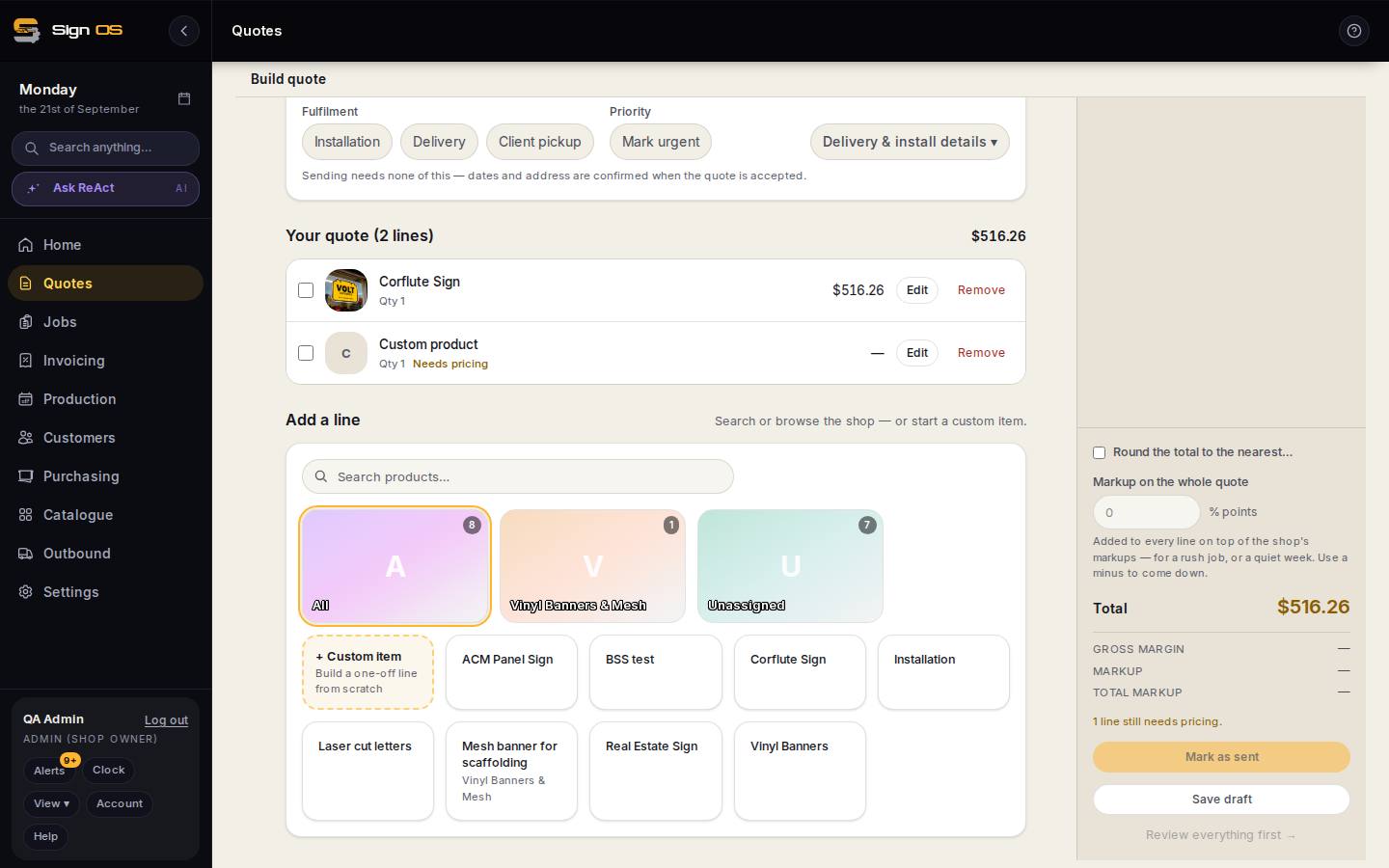
What is on this screen
Each part of the screen above, top to bottom, and what changing it affects.
Custom product line
- Title · size · quantity
- What the customer sees and how big.
- Ingredients
- Materials (what they cover), machine time (minutes and setup), labour by department, items, fixed fees — each from the catalogue picker, which opens on My shop with All for the shared catalogue.
- Calculate · Cancel · Duplicate · Remove
- Price it; throw the line away; copy; remove.
- Advanced — fulfilment · specs
- Line fulfilment and specs.
Before you start
- The materials, machines and items you want to use need to be in the catalogue with a cost.
Step by step
- 1
Under Add a line press + Custom item. The line opens as Custom product on its own screen.
- 2
Give it a title the customer will understand, and a size and quantity.
- 3
Add its ingredients from your catalogue: materials (how much it covers), machine time (minutes and setup), labour by department, hardware items and any fixed fee. Each picker opens on your own stock under My shop; All widens it to the shared catalogue.
- 4
Press Calculate. Costs come from the catalogue and your markups from Settings → Money → Pricing & margin, so the line prices like any product.
- 5
Advanced holds the line's fulfilment and specs. Cancel throws the line away; Back to quote lines keeps it.
Tips & gotchas
- If you find yourself building the same custom line twice, build it as a product. Talk to build can do that from a description.
- The quote page's Breakdown shows exactly which ingredient produced which dollar on a custom line, which is the fastest way to sanity-check it.