
See what needs reordering
Stock at or below its reorder point, grouped by supplier.
What this is for
Running out is expensive and noticing late is normal. Reorder suggestions watch what you hold against the reorder points you set, and group what is short by the supplier who sells it, so an order is a few clicks rather than a stocktake.
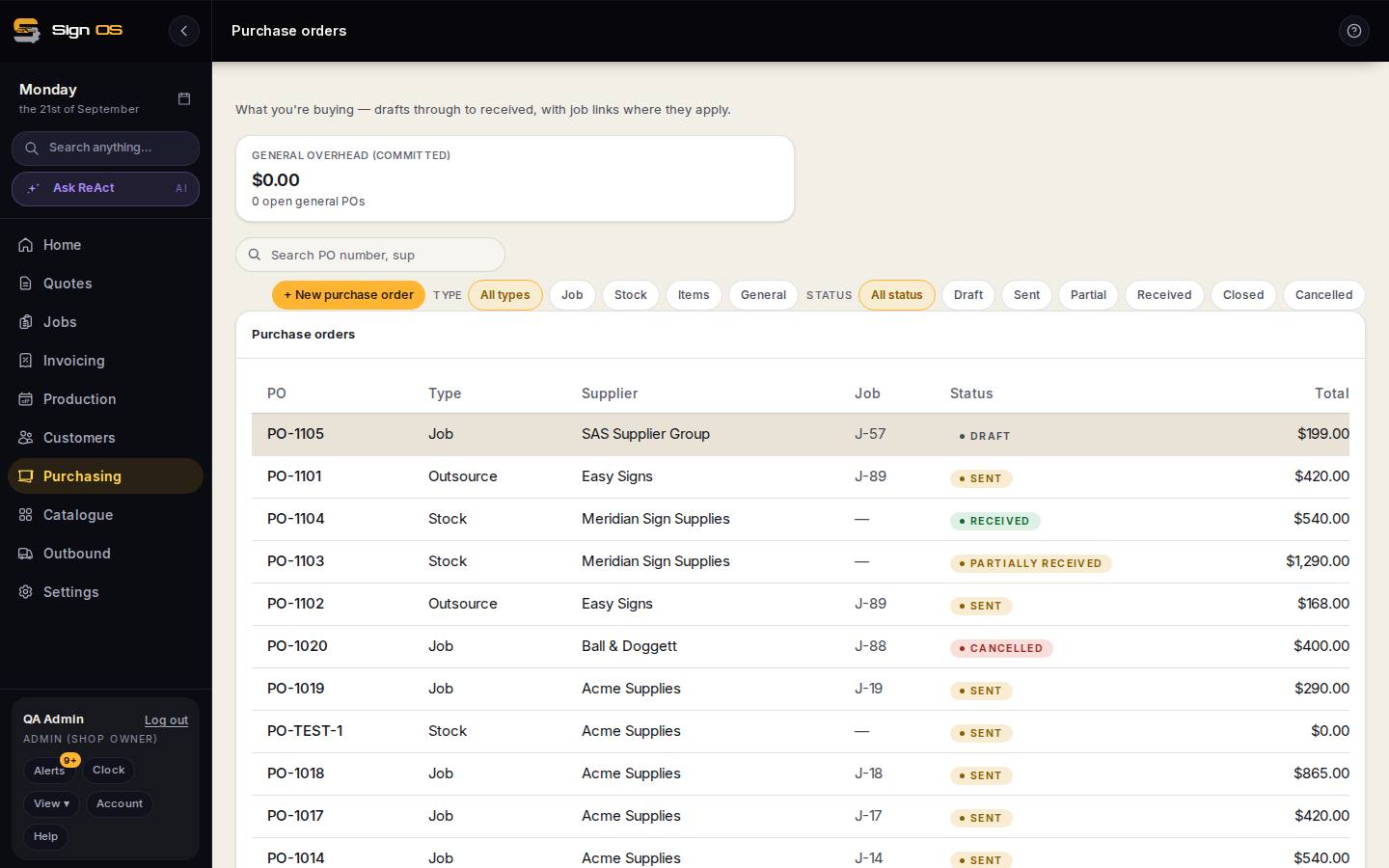
What is on this screen
Each part of the screen above, top to bottom, and what changing it affects.
- Reorder level (on a size or item)
- The point at which it is short.
- Suggestions
- On hand plus on order compared with the reorder level; anything short, grouped by its usual supplier.
- Create draft PO
- Turns a supplier's group into a draft order to adjust before sending.
Before you start
- Your stock items have reorder points set.
Step by step
- 1
Set a reorder point on the stock sizes and parts items you keep on the shelf.
- 2
Sign OS compares what you hold, plus what is already on order, against that point.
- 3
Anything short is suggested, grouped by its usual supplier.
- 4
Turn a group into a draft purchase order and adjust it before sending.
Tips & gotchas
- What is already on order counts. An item you ordered yesterday is not suggested again today.
- A suggestion is never an order. Nothing is sent to a supplier without you reading it first.