
Order in rolls when you stock in metres
Type either quantity — the other one follows.
What this is for
You buy two rolls; you stock a hundred metres. The supplier reads rolls and your shelf counts metres, and one quantity box cannot say both. Where a stock size records how it is bought, the order line shows both and keeps them in step.
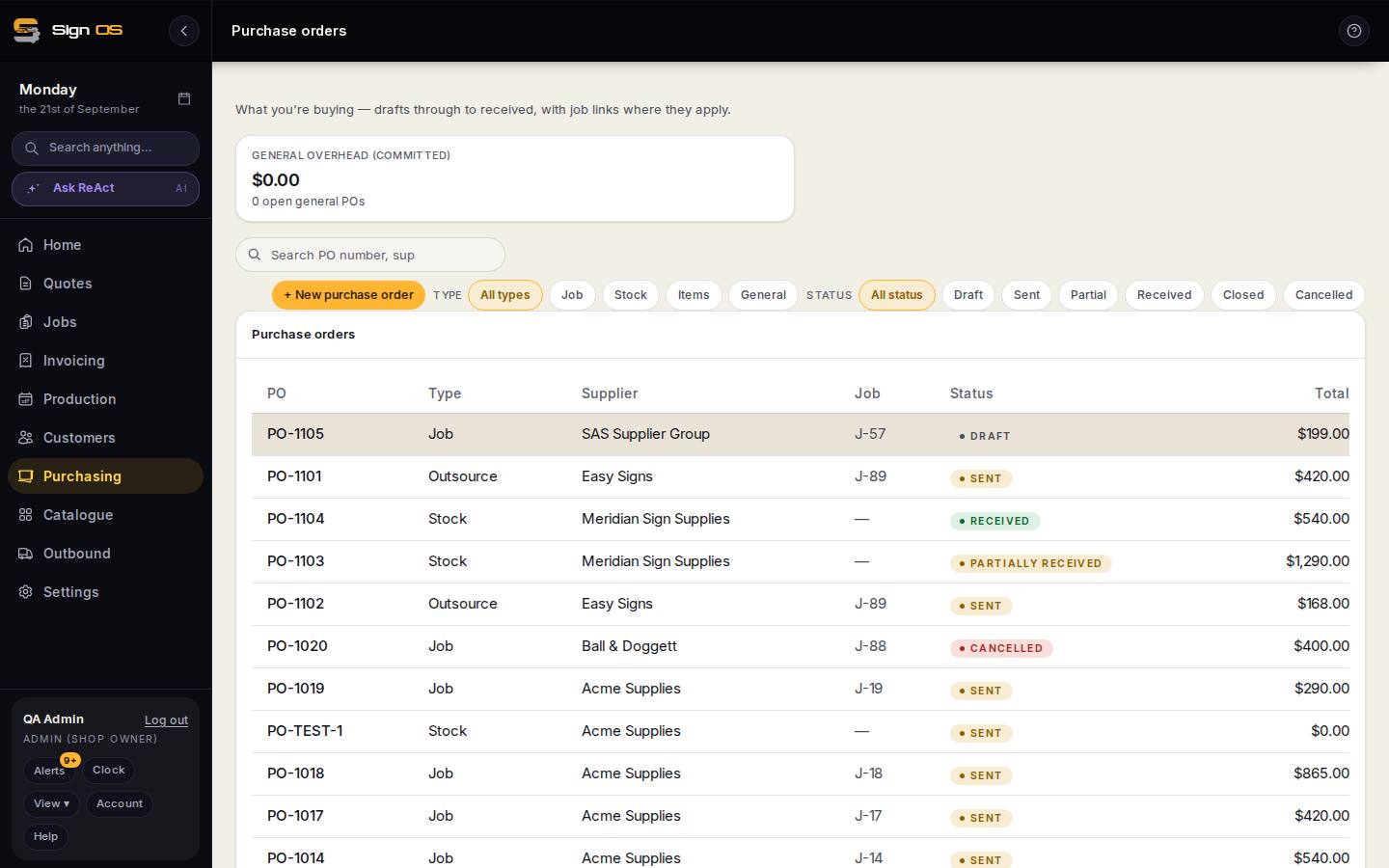
What is on this screen
Each part of the screen above, top to bottom, and what changing it affects.
On a PO stock line
- Two linked quantity boxes — rolls and metres
- Type into either and the other follows; '2 rolls = 100 m' is shown under the line.
- Receiving · stock figures
- Always in stock units, whichever box you typed in.
Before you start
- The stock size records its purchase unit and how many stock units are in one.
Step by step
- 1
Add a stock line to a purchase order as normal.
- 2
Where the item records a buying unit, you get two linked quantity boxes — rolls and metres, say.
- 3
Type into either one and the other follows. “2 rolls = 100 m” is shown under the line so the maths is never hidden.
- 4
Receiving and your stock figures always work in stock units, whichever box you typed in.
Tips & gotchas
- Nothing new is stored. This reads the conversion your catalogue already holds, so there is never a second version of it to go stale.
- Items bought and stocked in the same unit show one box, not two identical ones.
- No conversion recorded on the item means one box, as before.