
Scan work on the floor
Update job progress with a scan, no keyboard needed.
What this is for
Floor scanning lets the shop update jobs by scanning a QR code on the printed job sheet — fast, hands-free progress updates that keep the boards and schedule accurate without anyone stopping to type.
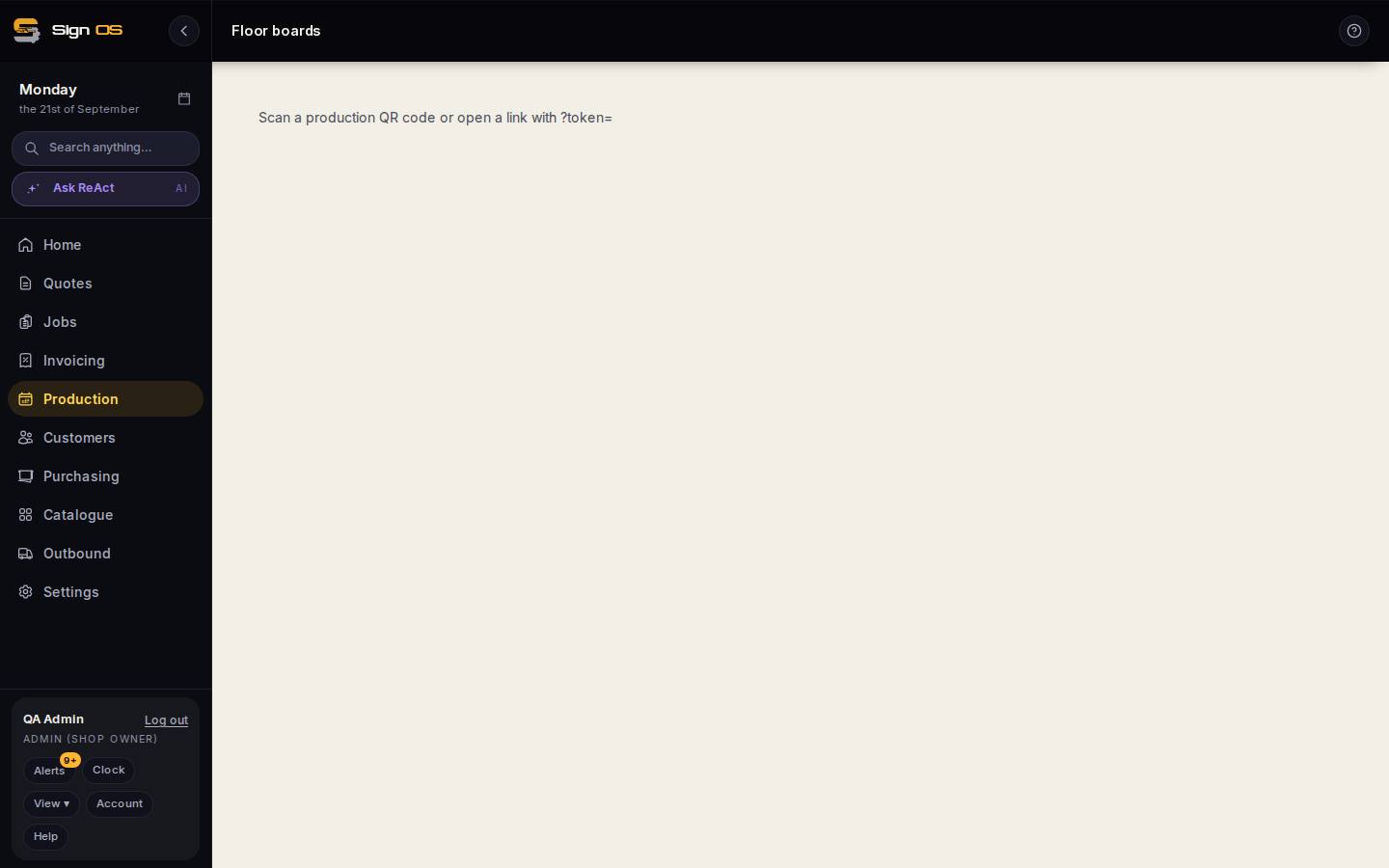
What is on this screen
Each part of the screen above, top to bottom, and what changing it affects.
- Scan page
- Opened by scanning a job sheet QR code (or a link with ?token=). Starts or finishes that step and drops you on the department board.
Step by step
- 1
Print the job sheet so its QR codes go to the floor with the work.
- 2
Scan a QR code with a phone or scanning device — it opens the scan page and processes the step automatically.
- 3
The step starts or finishes, and the change flows to the boards and timeline instantly before dropping you on the department board.
Tips & gotchas
- Scanning is the quickest way to keep production data honest — encourage the floor to scan as they finish each step.