
Match a supplier invoice to the order
Ordered, received, invoiced — the three numbers that should agree.
What this is for
A supplier invoice should match what you ordered and what actually arrived. Recording it against the purchase order puts all three figures beside each other, so an overcharge is obvious before it is paid rather than after.
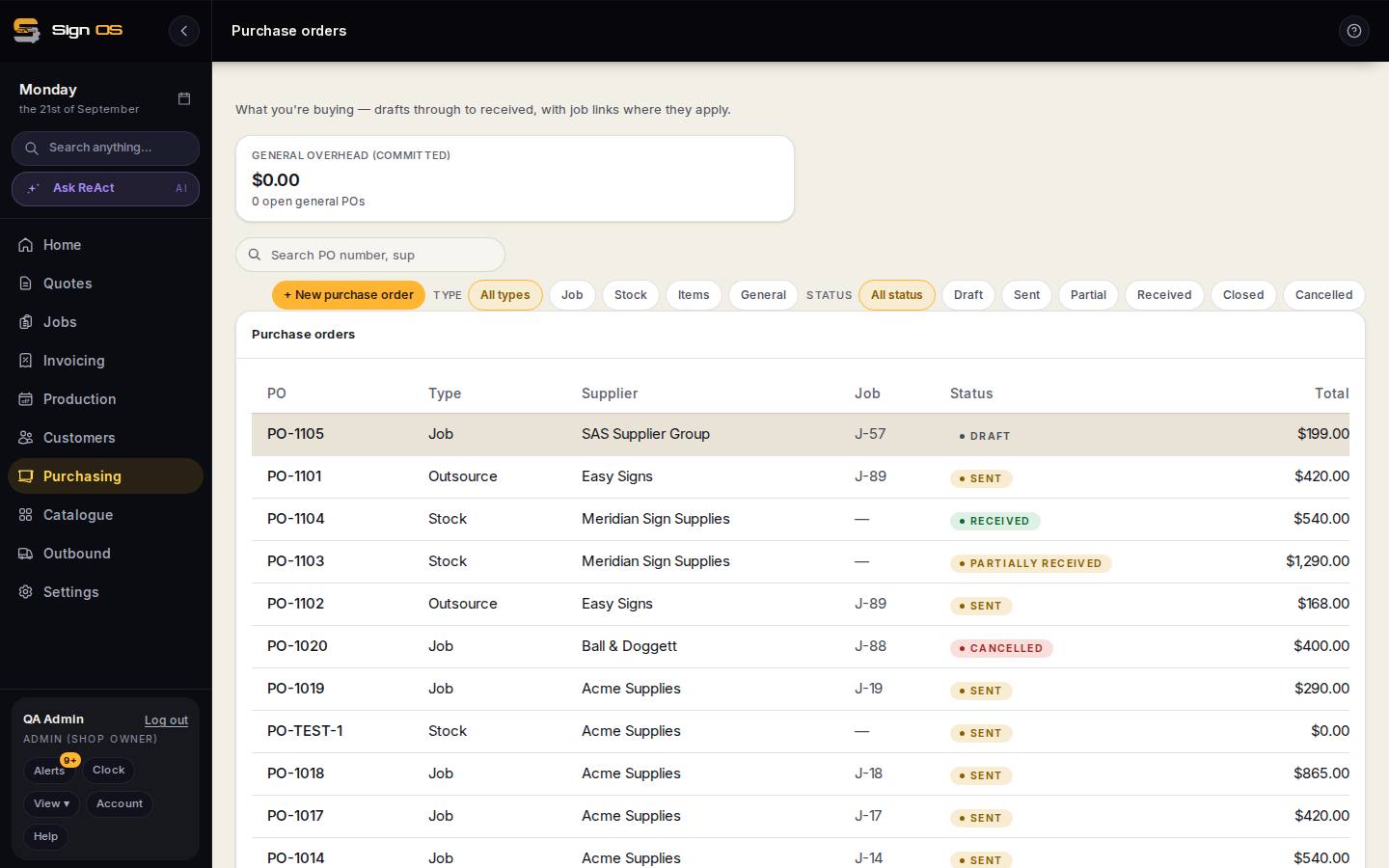
What is on this screen
Each part of the screen above, top to bottom, and what changing it affects.
On the purchase order
- Add supplier invoice — number · date · total
- The supplier's bill, against what you ordered and what you received.
- Difference
- Called out when their total disagrees with the order or the receipt, before anything reaches accounting.
Before you start
- The purchase order has been sent, and ideally received against.
Step by step
- 1
Open the purchase order and click Add supplier invoice.
- 2
Enter the supplier's invoice number, its date, and the total they are charging.
- 3
Sign OS shows it against what you ordered and what you received. A difference is called out rather than buried.
- 4
Disagreements get sorted with the supplier before the bill goes anywhere near your accounts.
Tips & gotchas
- Recording the invoice does not pay it or push it anywhere — sending it to your accounting is a separate, deliberate step.
- More than one invoice against one order is normal when a supplier bills each delivery. Add each of them.