
Set up product types
Categorise your products so they are easy to find and organise.
What this is for
Product types are the categories your products sit in — panels, banners, vehicle graphics, illuminated signs. They keep a growing catalogue tidy and easy to browse when quoting.
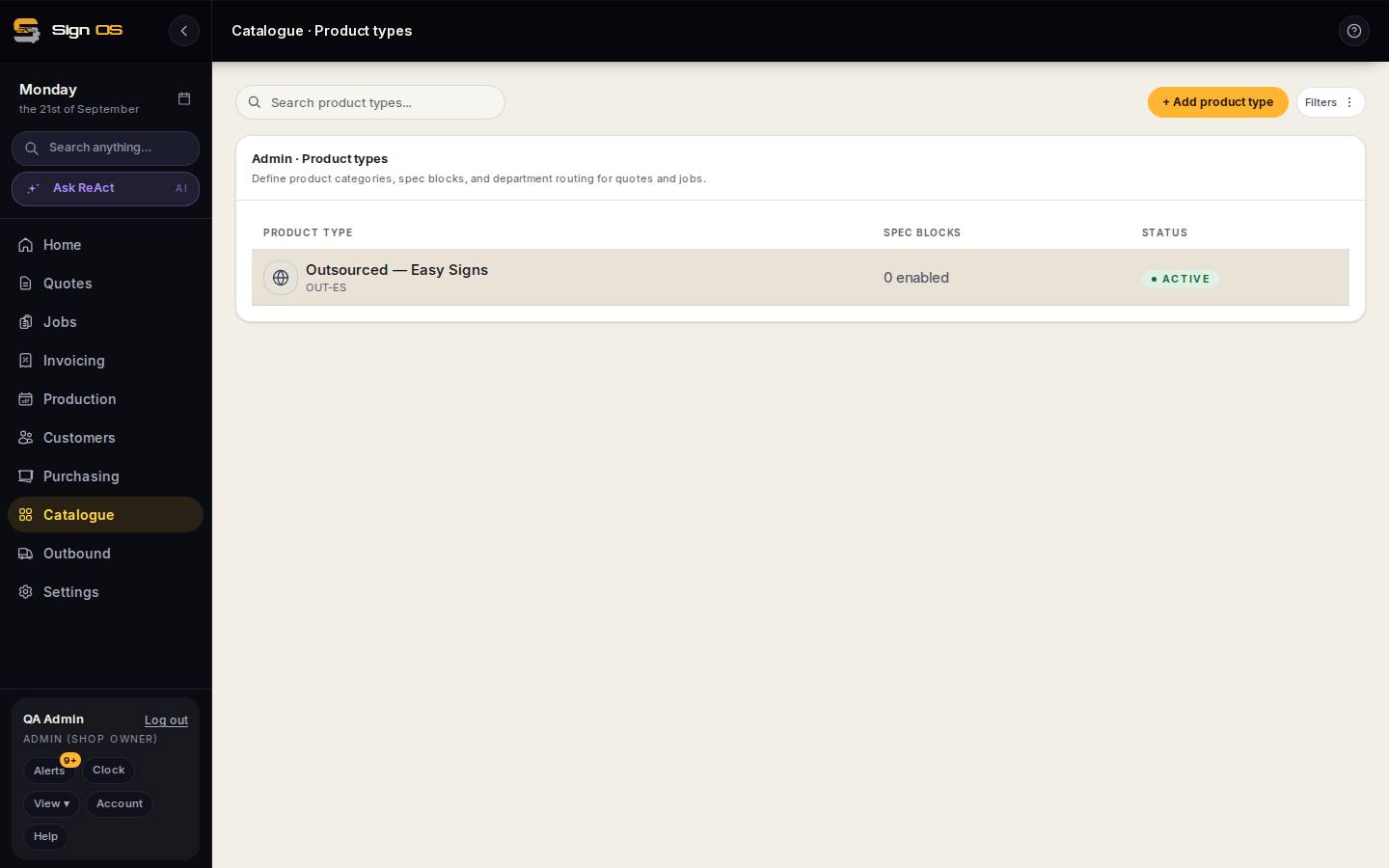
What is on this screen
Each part of the screen above, top to bottom, and what changing it affects.
- + Add product type
- A category that keeps products tidy when browsing and carries spec blocks.
- Product type · Spec blocks · Status
- Each type with how many spec blocks are enabled. Click to edit: switch spec blocks on and route each to a department, then Save changes.
Before you start
- You are signed in as an admin.
Step by step
- 1
Open Catalogue → Product types.
- 2
Use + Add product type to add the categories that match how you think about your work.
- 3
For each type, turn on the spec blocks it needs and route each to a department, then Save changes.
Tips & gotchas
- Keep the list short — broad categories are easier to quote from than dozens of narrow ones.