
Void an invoice you haven't sent
Withdraw a draft invoice that shouldn't have been raised.
What this is for
Voiding says the invoice never happened. It only works before the invoice reaches your accounting software — after that, the invoice exists in your books and a credit note is the right way to undo it.
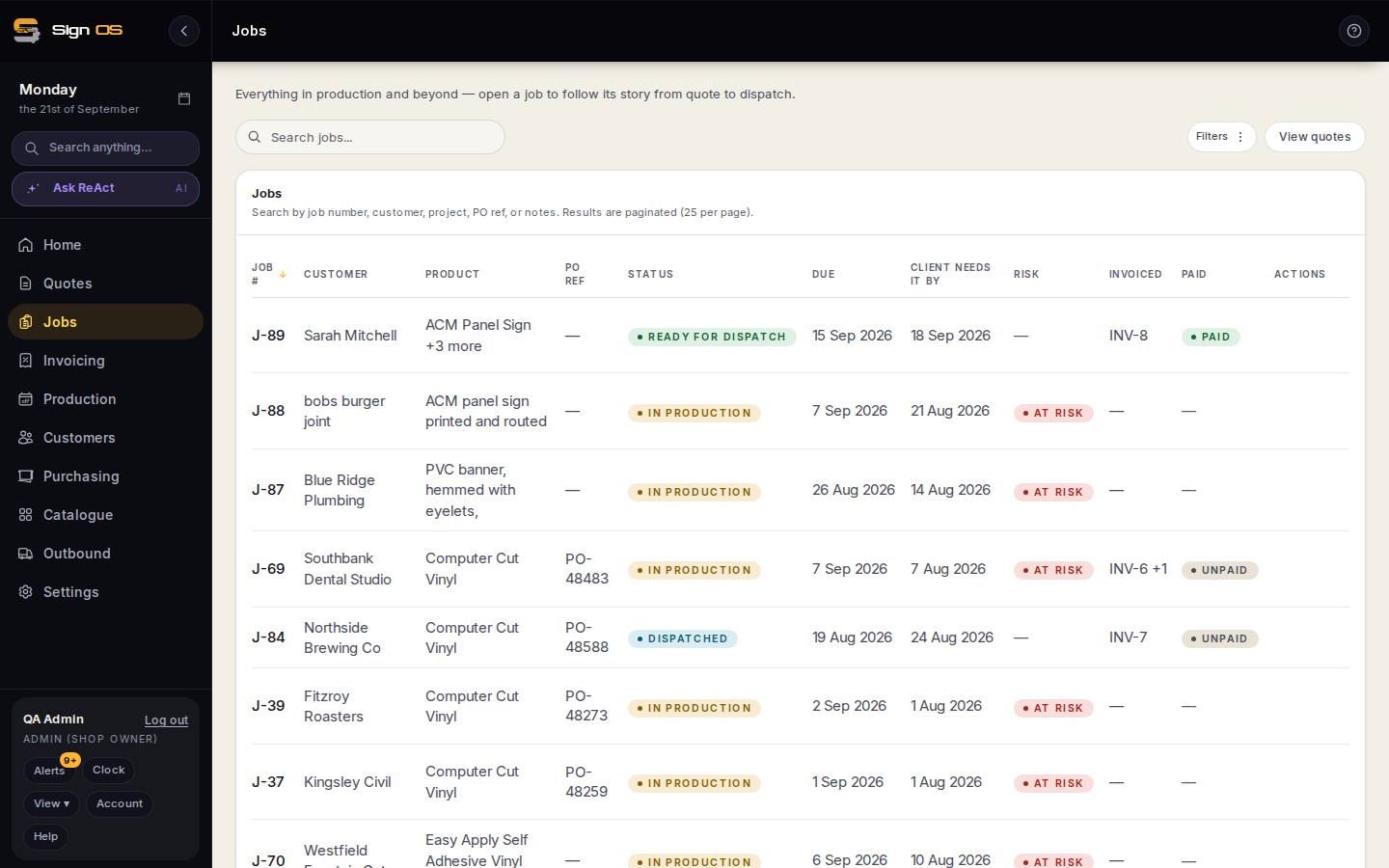
What is on this screen
Each part of the screen above, top to bottom, and what changing it affects.
Job → Accounts tab → the invoice
- Void draft
- Only for an invoice not yet sent to accounting; it disappears from the queue.
Step by step
- 1
Open the job, go to the Accounts tab and open the invoice.
- 2
Choose Void draft.
Tips & gotchas
- No Void button means the invoice has already synced. Raise a credit note instead.
- Voiding and writing off are different things: a void never happened, a write-off happened and the money never came.