
Credit a customer back
Raise a credit note when a job shrinks or the customer changes their mind.
What this is for
A credit note is how you give money back on paper. It goes to your accounting software as a real credit note — not an invoice with a minus sign — and it puts the credited items back on the job so they can be billed again if the work returns.
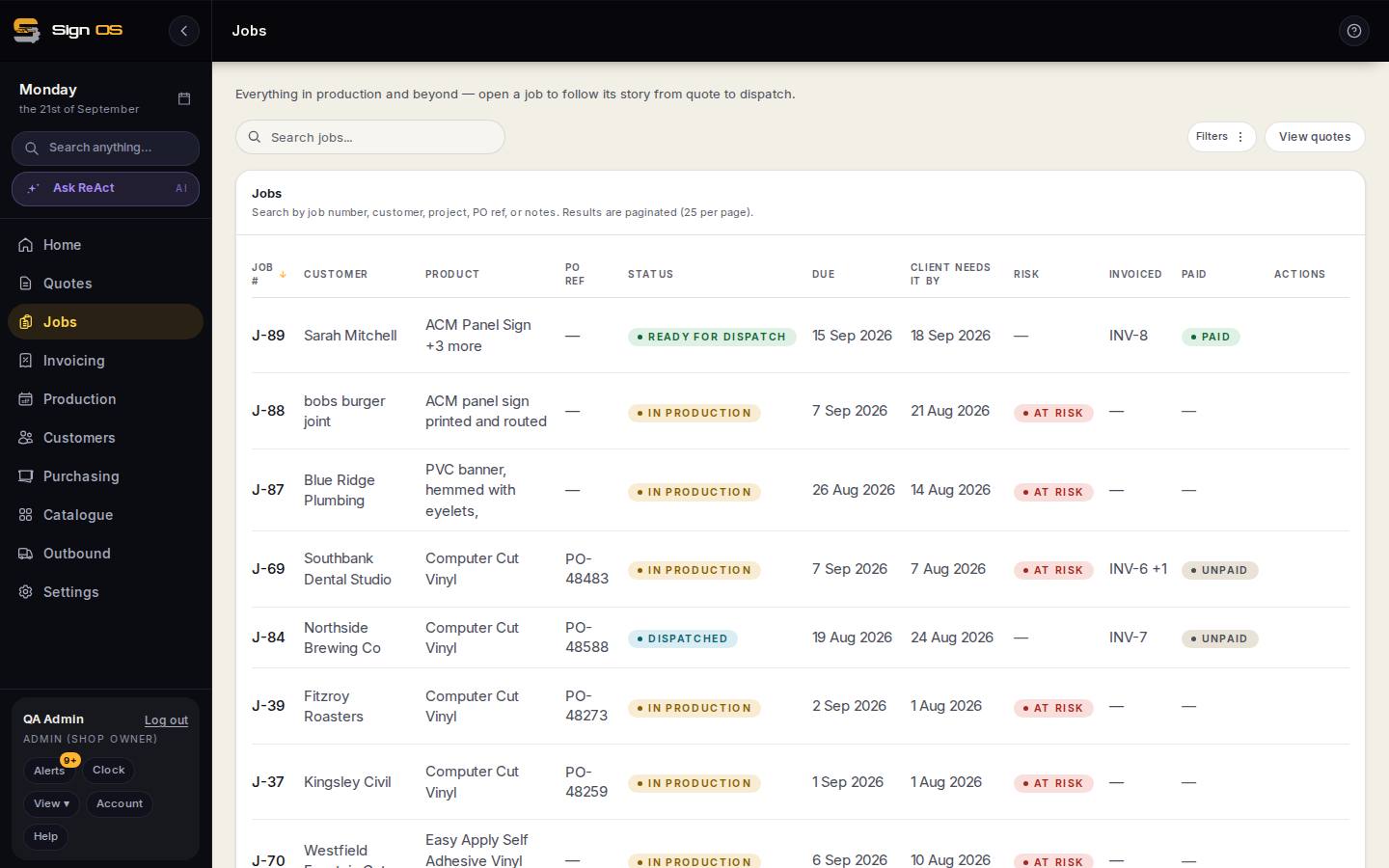
What is on this screen
Each part of the screen above, top to bottom, and what changing it affects.
Job → Accounts tab
- New invoice → kind: Credit · amount
- A credit note against the customer, sent to accounting like an invoice.
Step by step
- 1
Open the job and go to the Accounts tab.
- 2
Start a new invoice and choose Credit as the kind.
- 3
Enter the amount you're crediting and send it to your accounting software as usual.
Tips & gotchas
- A credit note ignores the job's billing strategy — you can raise one whether the job was billed as a deposit, in stages, or all at once.
- Crediting an item puts its balance back, so the item can be invoiced again later.
- A credit note is paperwork only. To send the money back to a card, use Refund a customer.